Screenshots
Tzara, running locally. Click to view.
The wiki
-
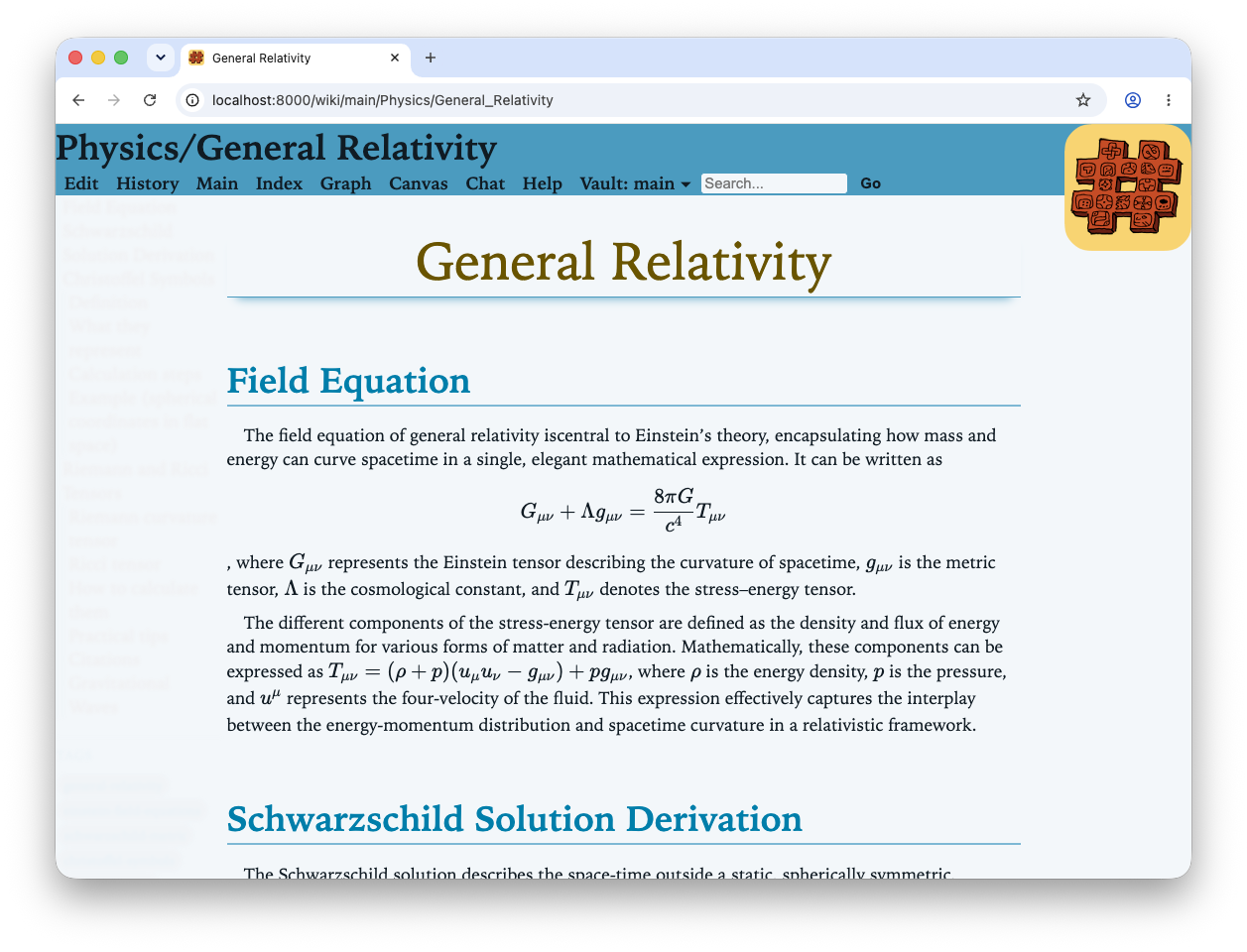
Markdown document served as a formatted webpage with code and LaTeX. Ocean theme.
-
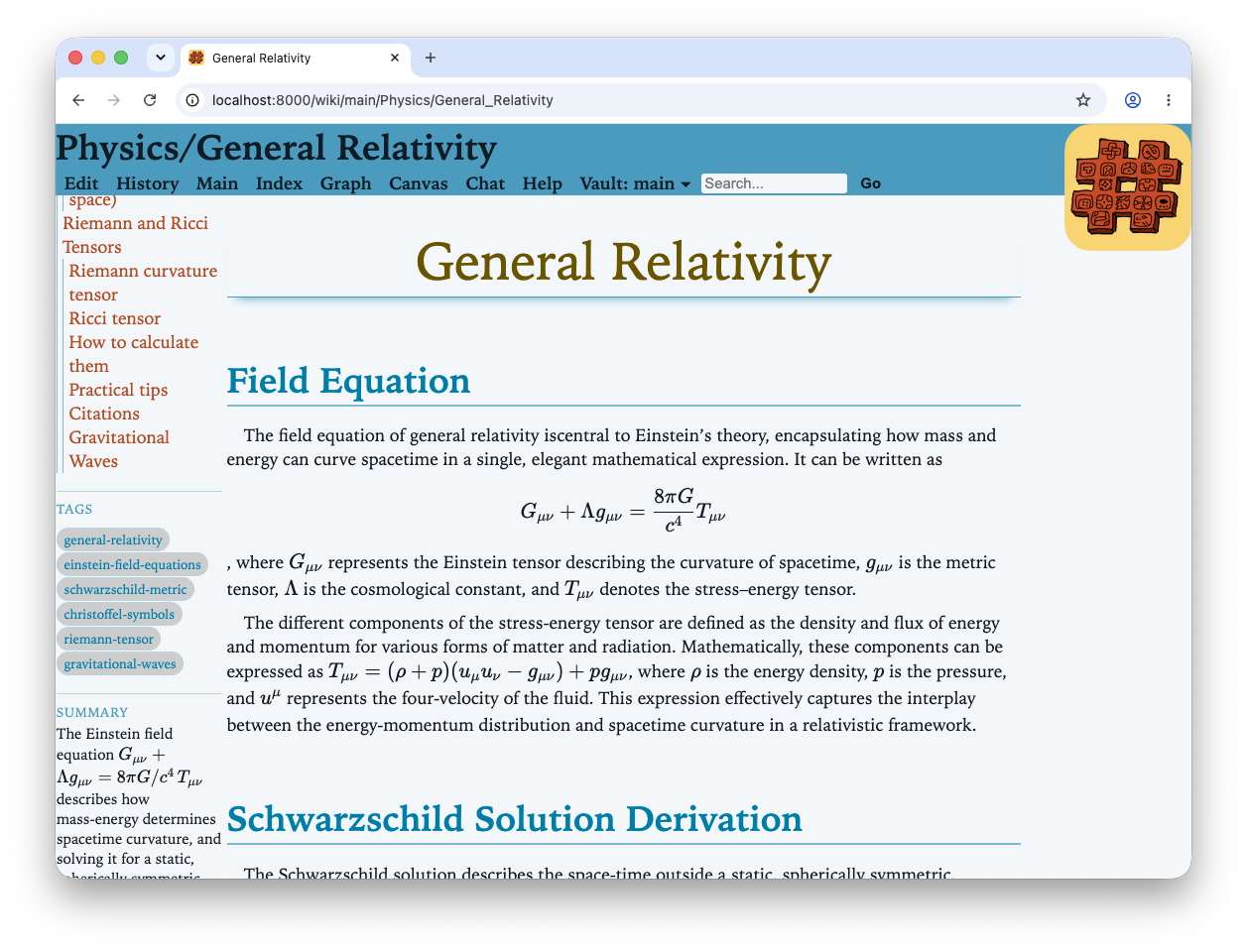
Markdown document served as a formatted webpage with LaTeX, and visible side bar with a table of contents, tags, and summary. Ocean theme.
-
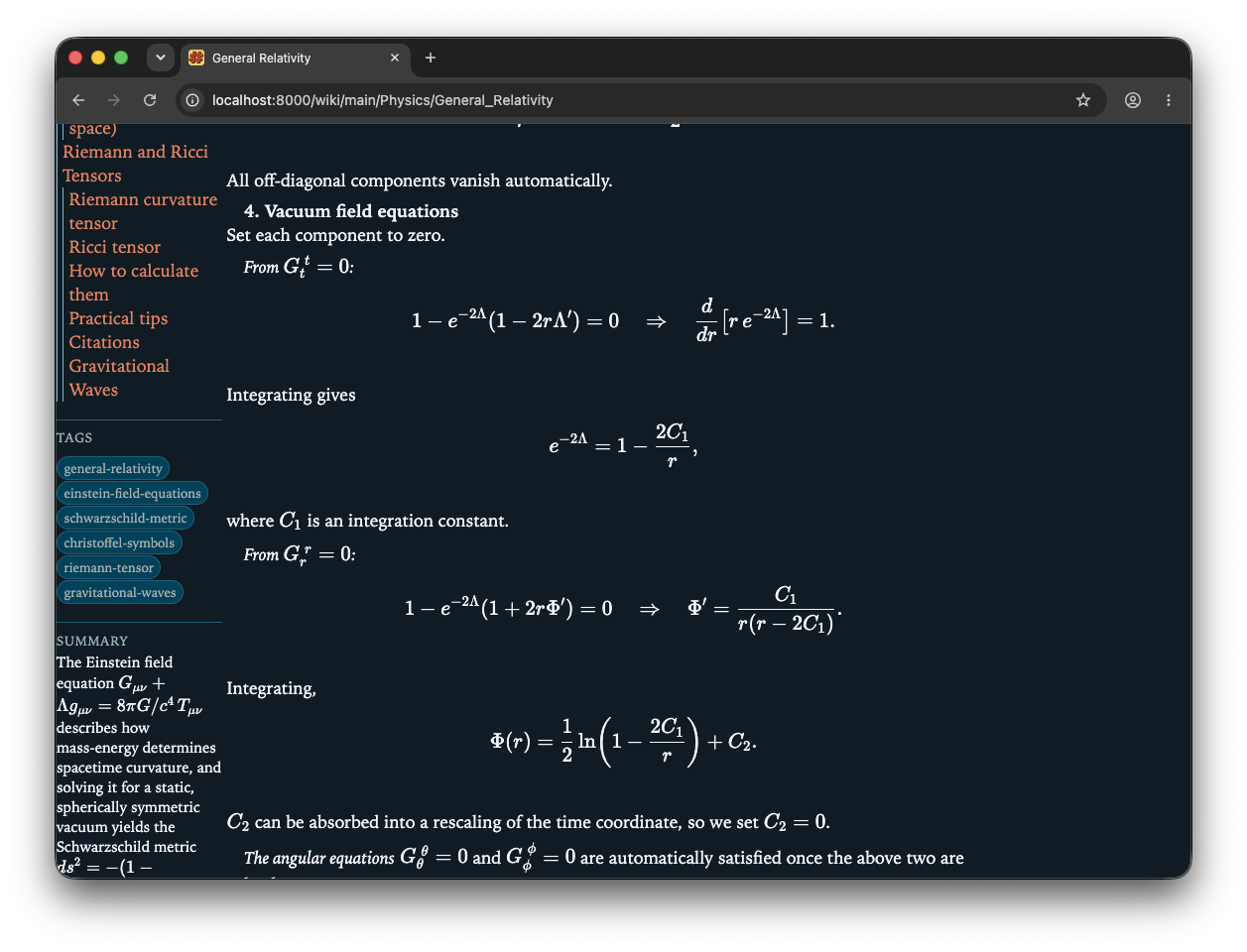
Dark mode and light mode follow browser settings automatically. Ocean theme.
-
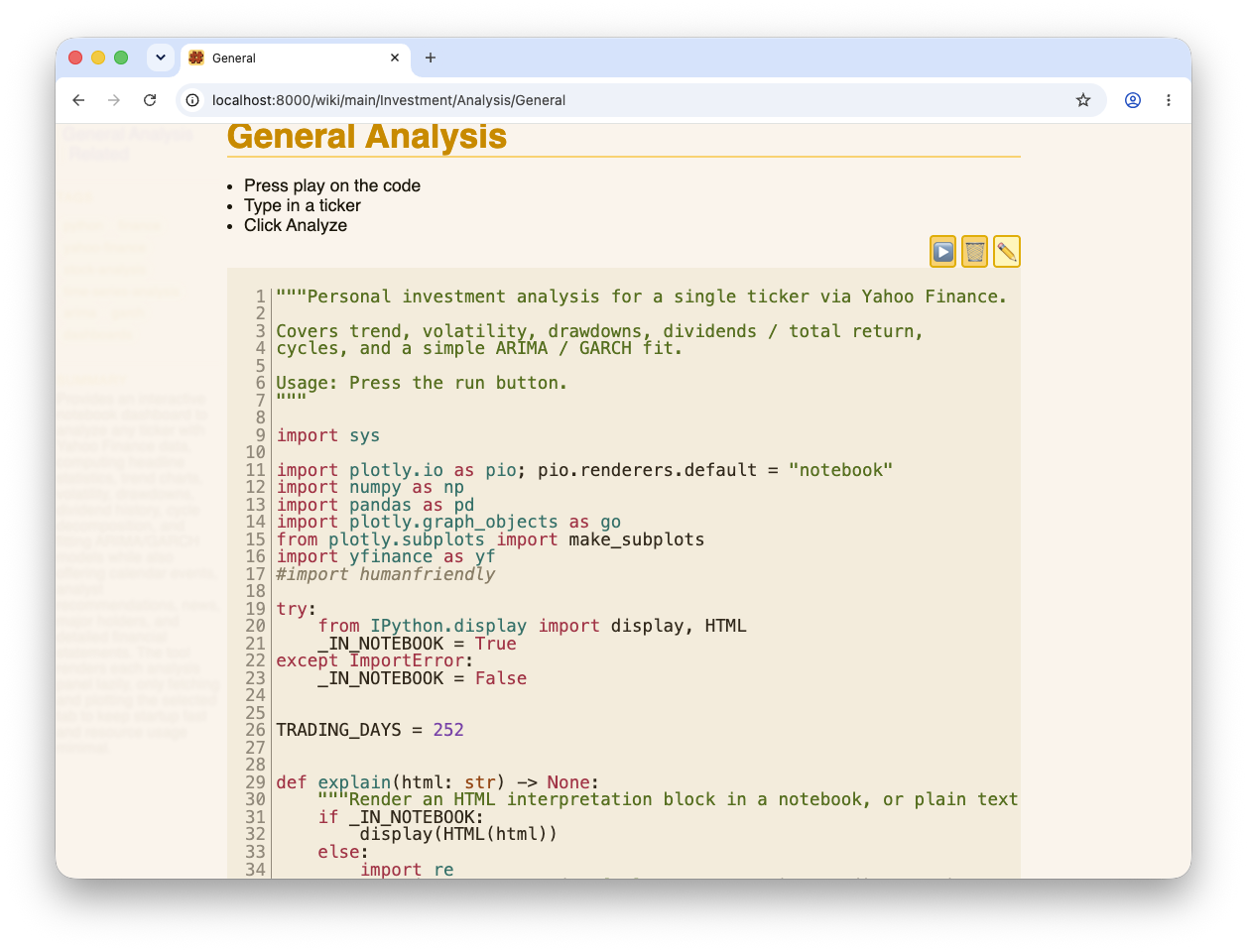
Default theme showing embedded code with inline execution buttons.
-
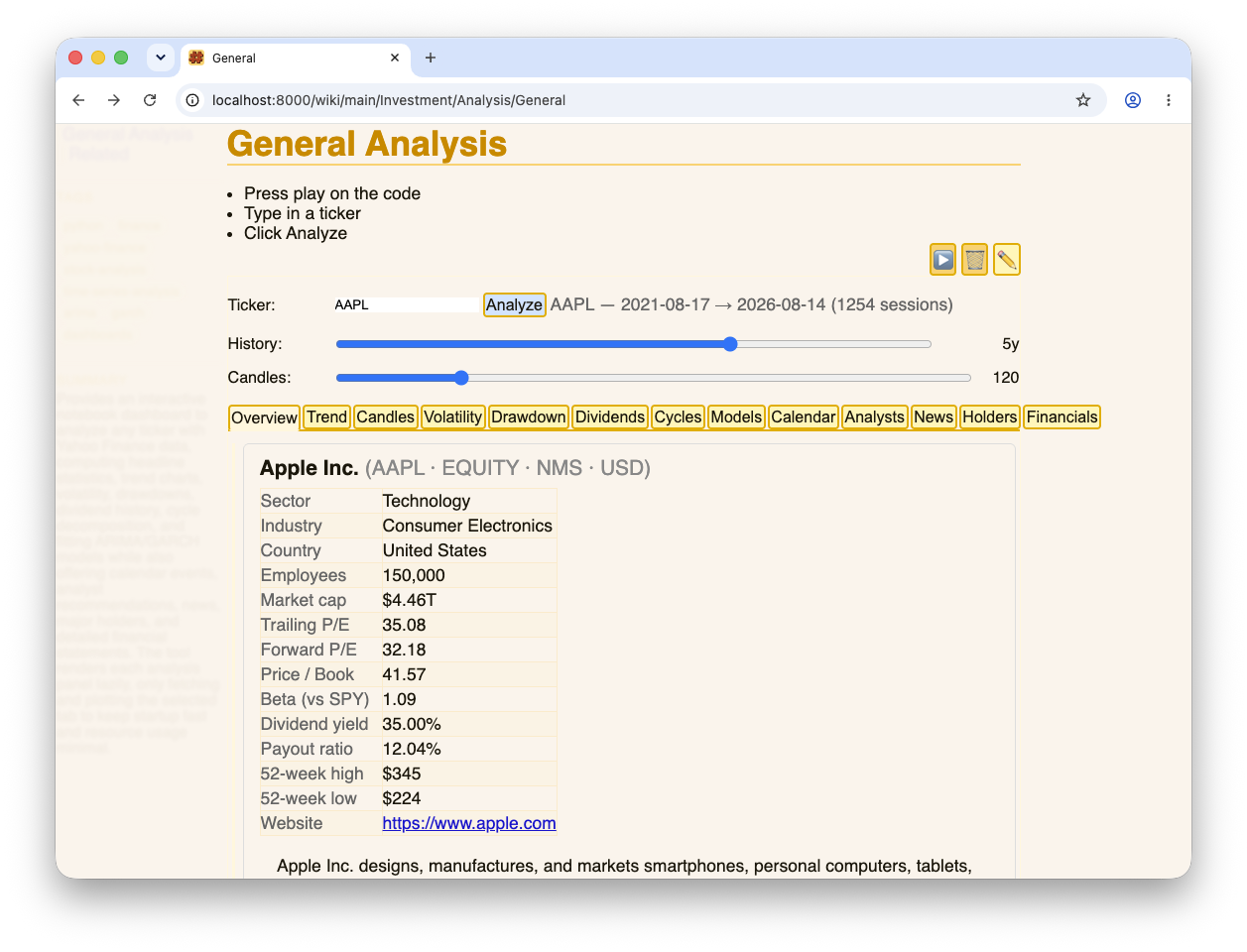
Default theme showing embedded code execution results with widgets.
-
Sage theme showing embedded code execution results with widgets and a Plotly graph of retrieved stock data.
Management Pages
-
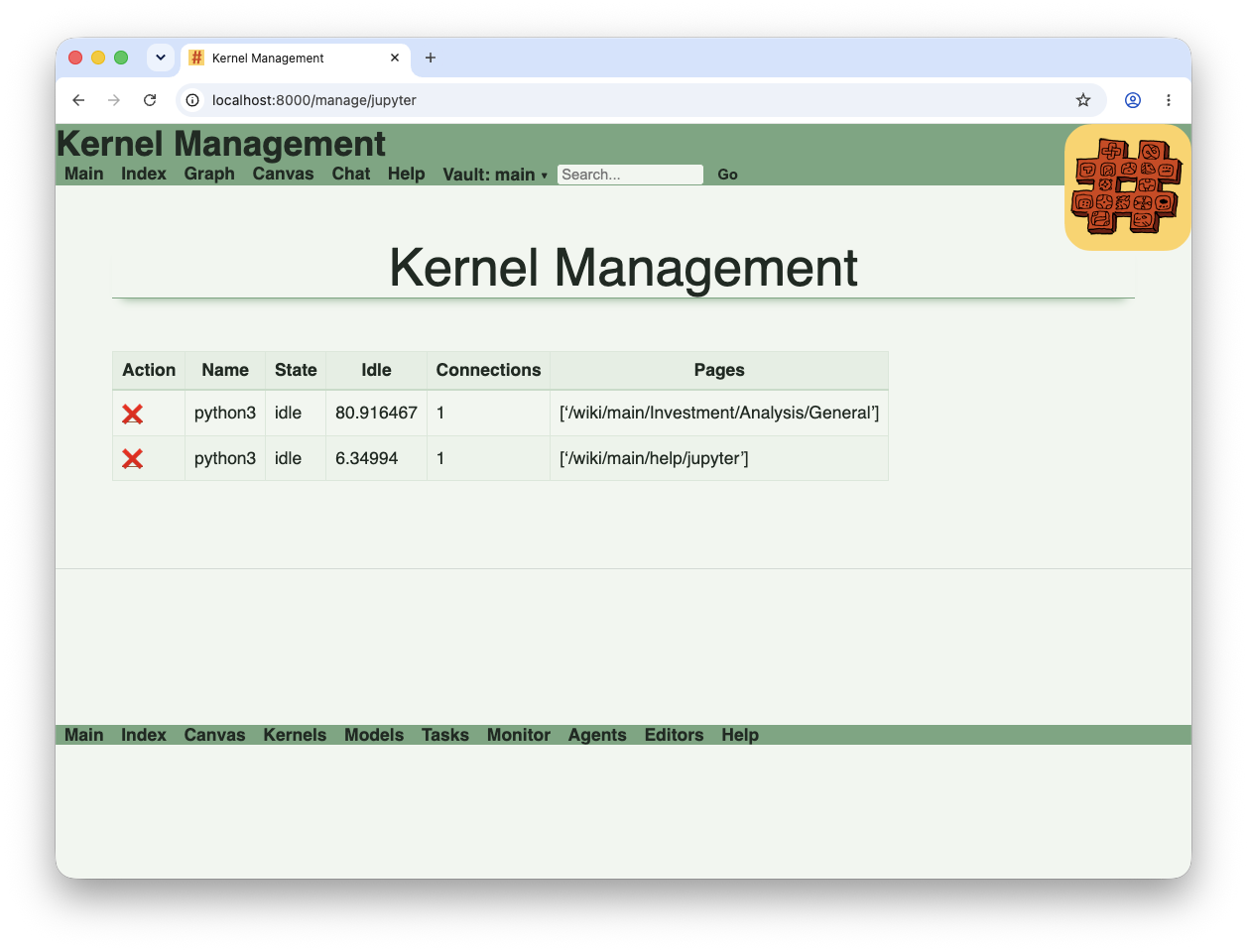
Each page gets its own isolated kernel that gets reaped when inactive.
-
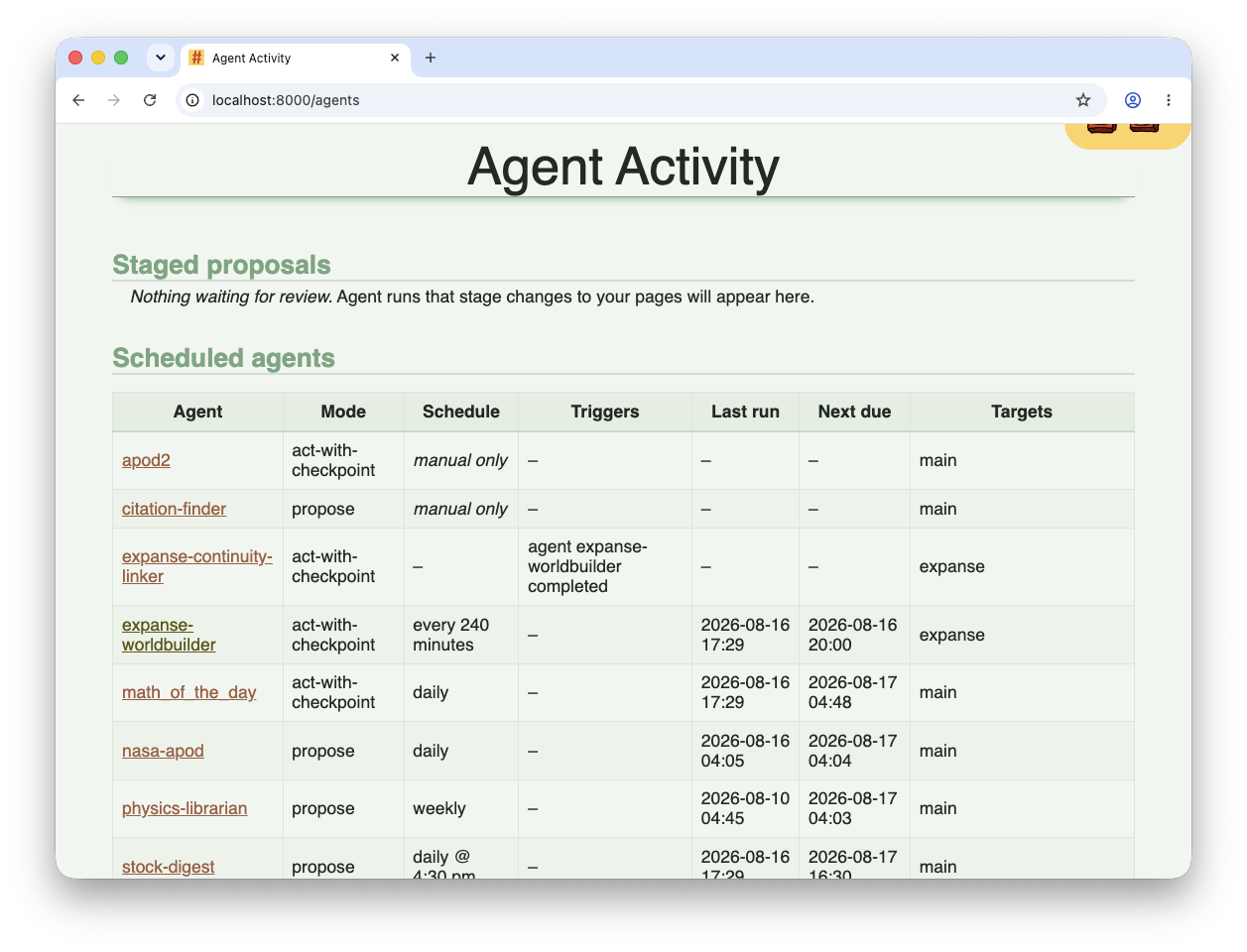
Agent activity page. Any staged edits appear here for acceptance or refusal.
-
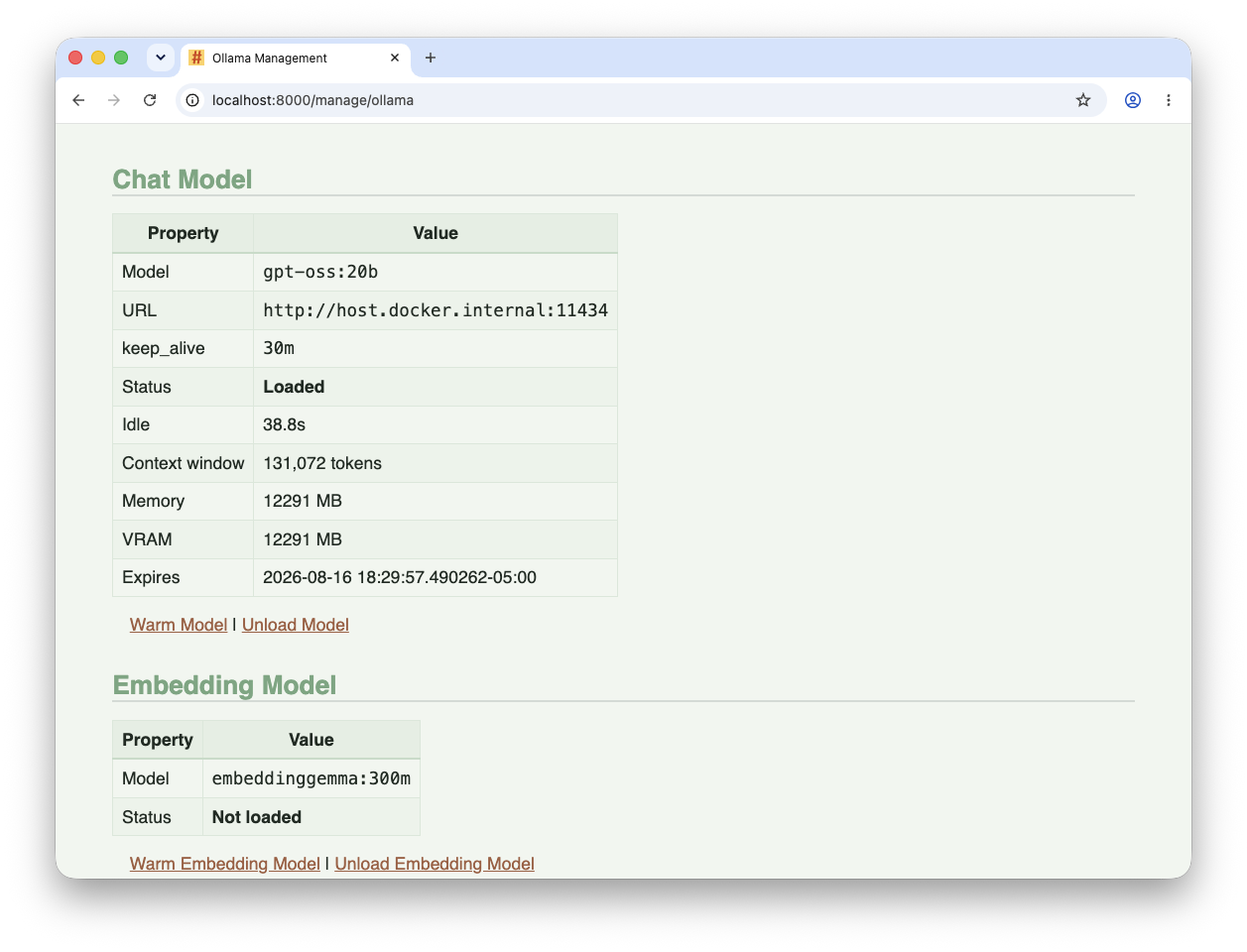
Model management page allows for downloading and switching chat models. An embedding model change is a rebuild and reindex.
-
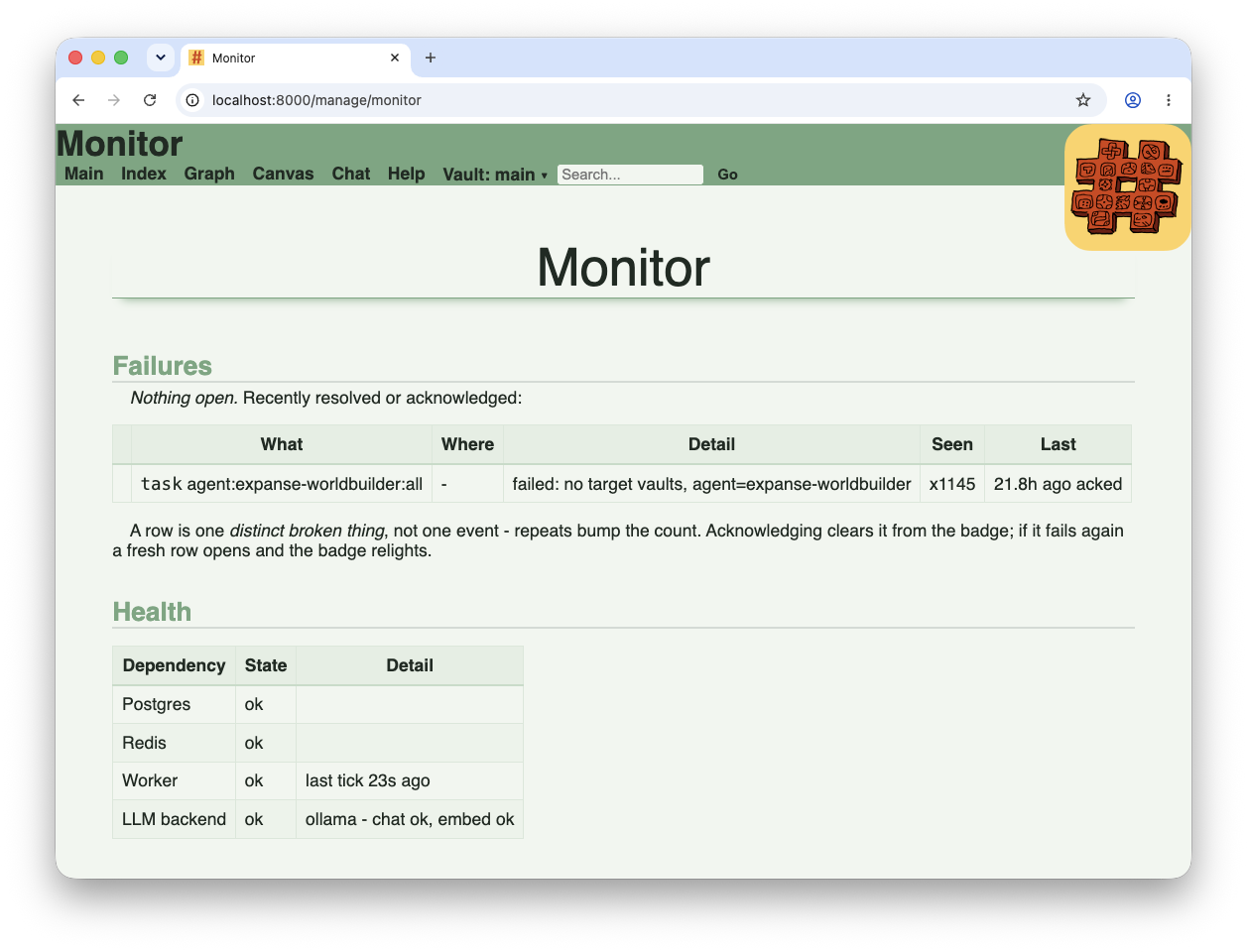
A monitoring page surfacing any errors or issues that may occur. In this page an agent is failing because the vault it is configured for does not exist.
-
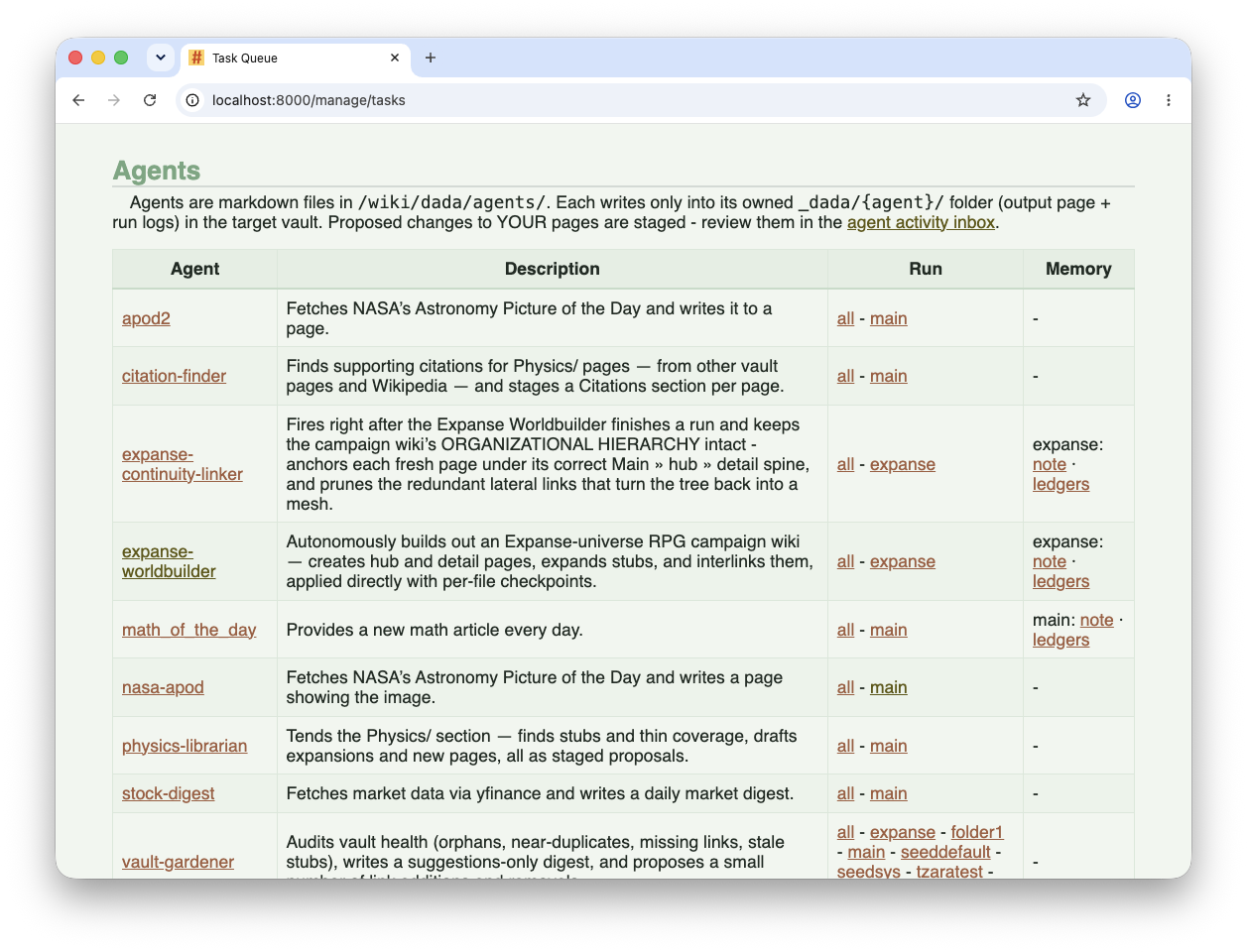
A task managment page to look at existing and past background tasks, as well as for manually running agent tasks.
-
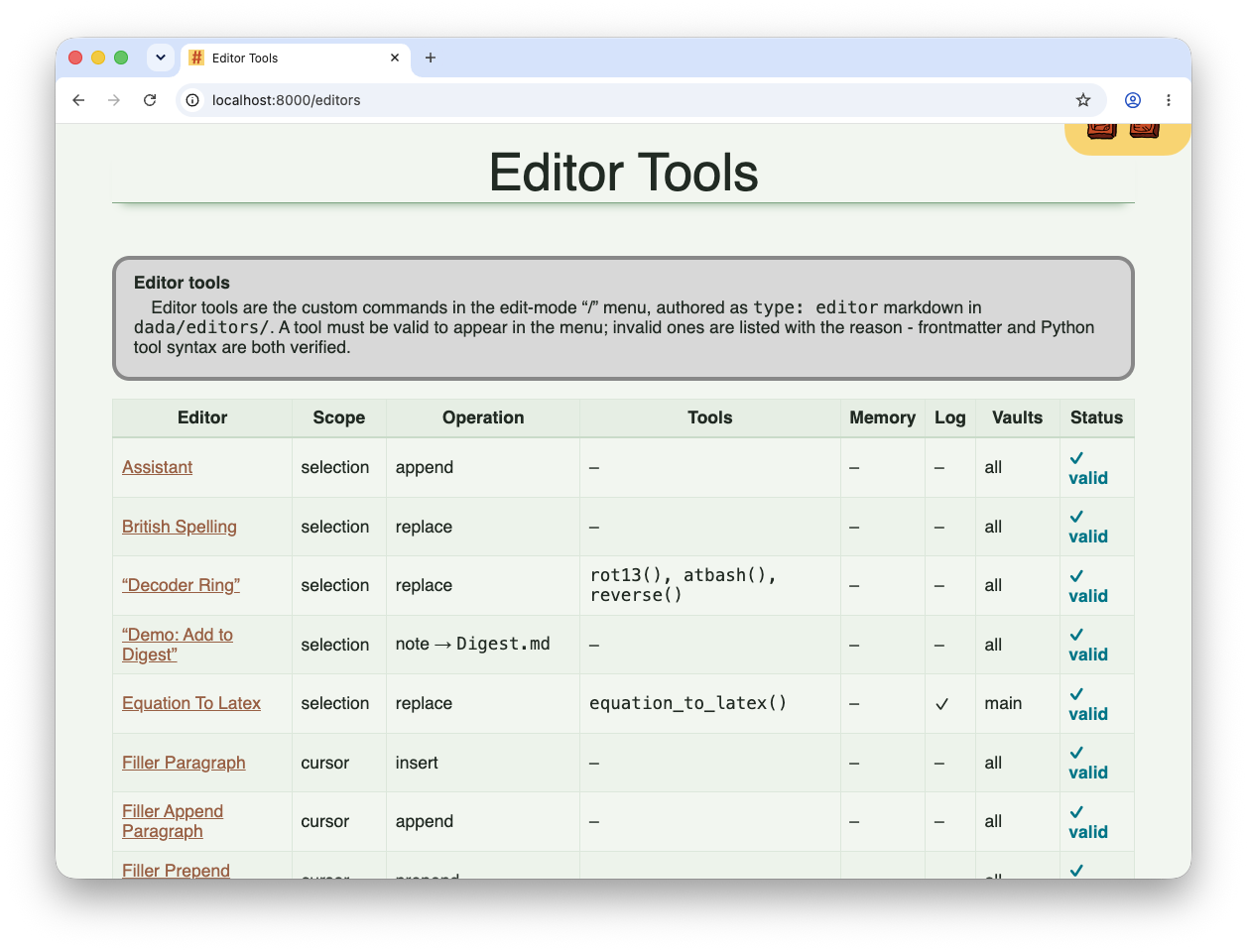
Sage theme showing embedded code execution results with widgets and a Plotly graph of retrieved stock data.
Editing
-
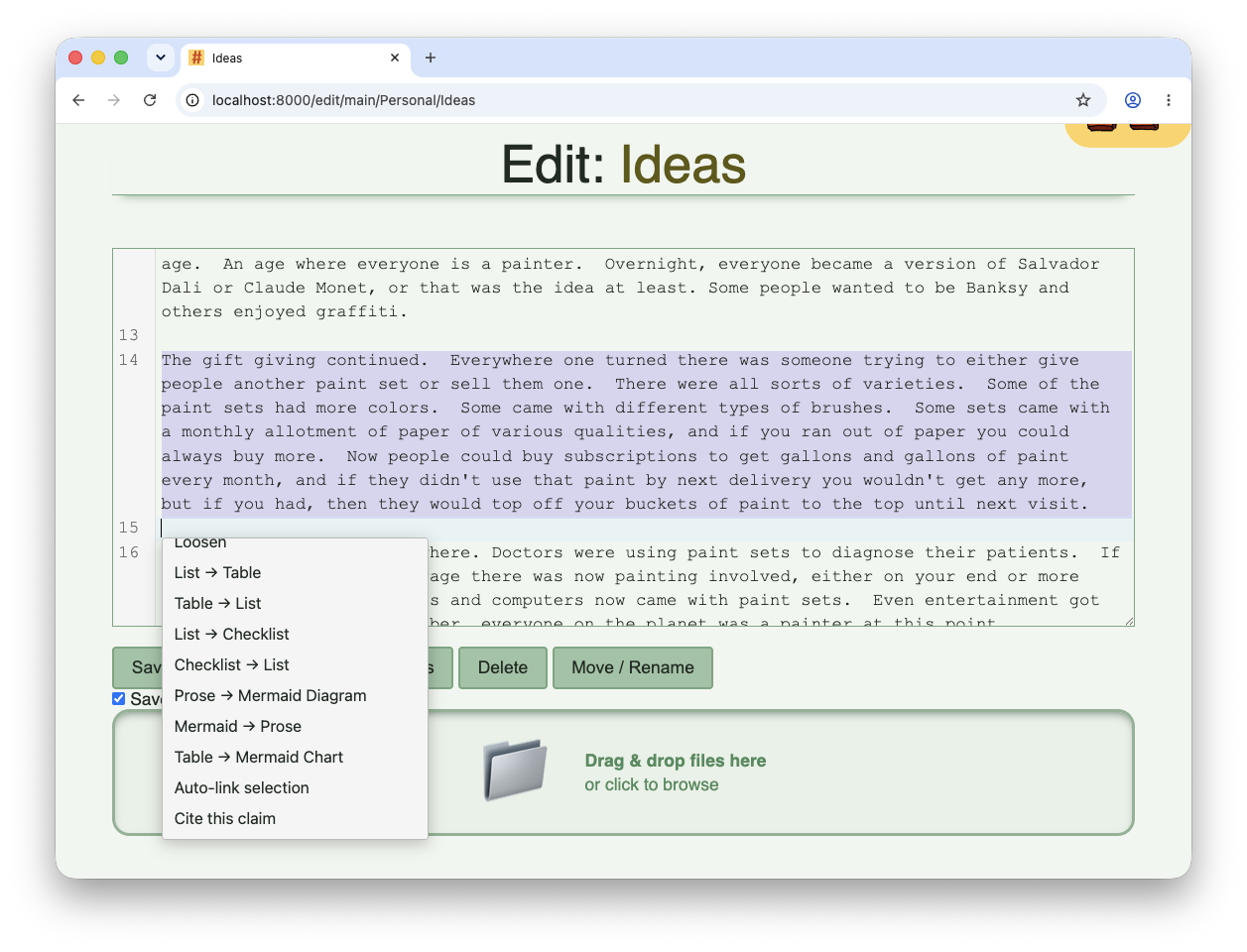
Editing is done with Codemirror 6. Pressing "/" after a space or with selected text brings up a tool menu. You can type the partial command, such as "/list" and the menu filters. Files can be added to the wiki with the drag and drop area. A link to the file is added in the editor.
-
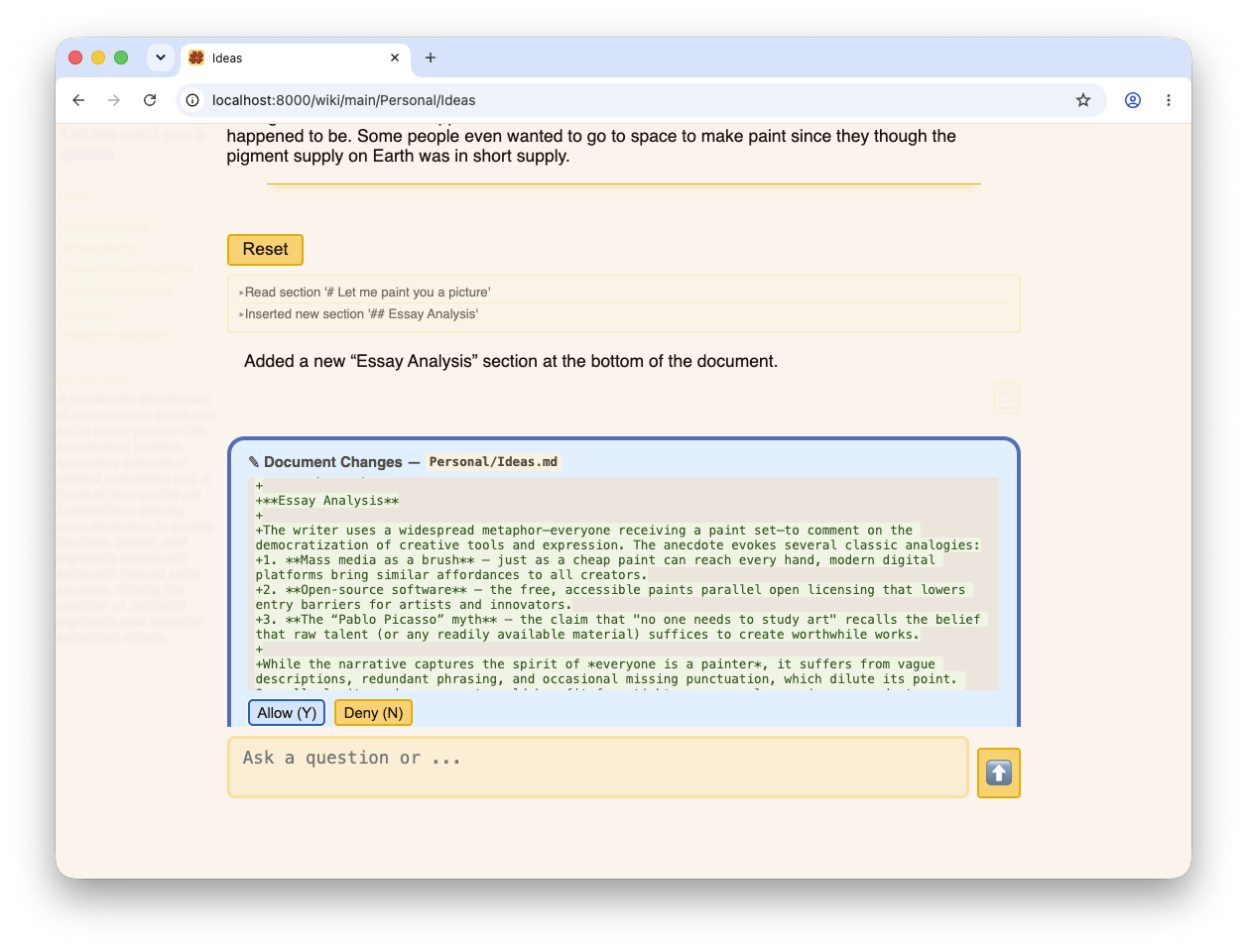
If you ask for a section to be added or any modifications at all, changes are staged on a shadow copy of the document. An approval gate exists because small langauge models can be anti-cromulent. And I also don't want to remove the agency of the human.
-
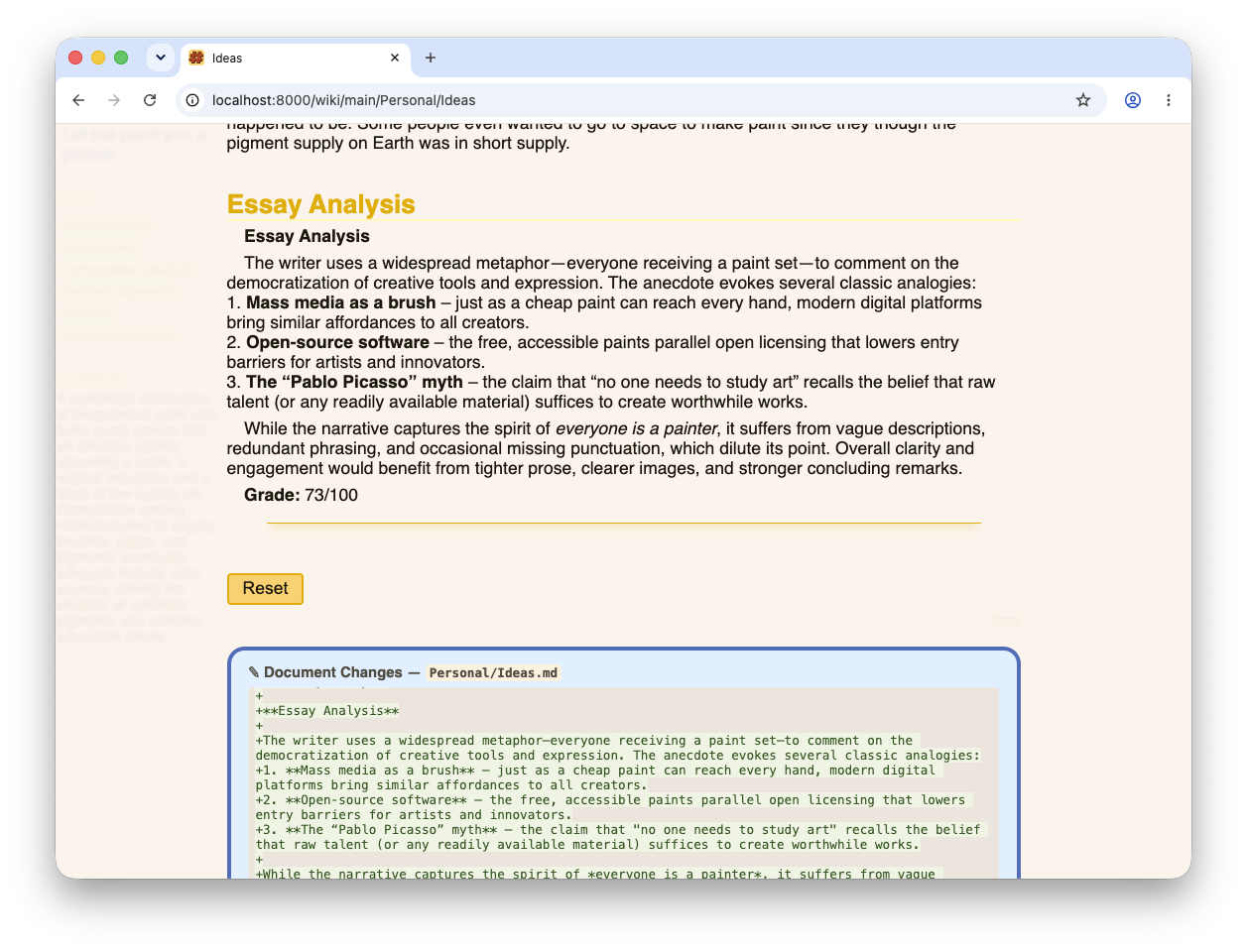
The document updates immediately with changes when accepting suggested edits from the document agent.
-
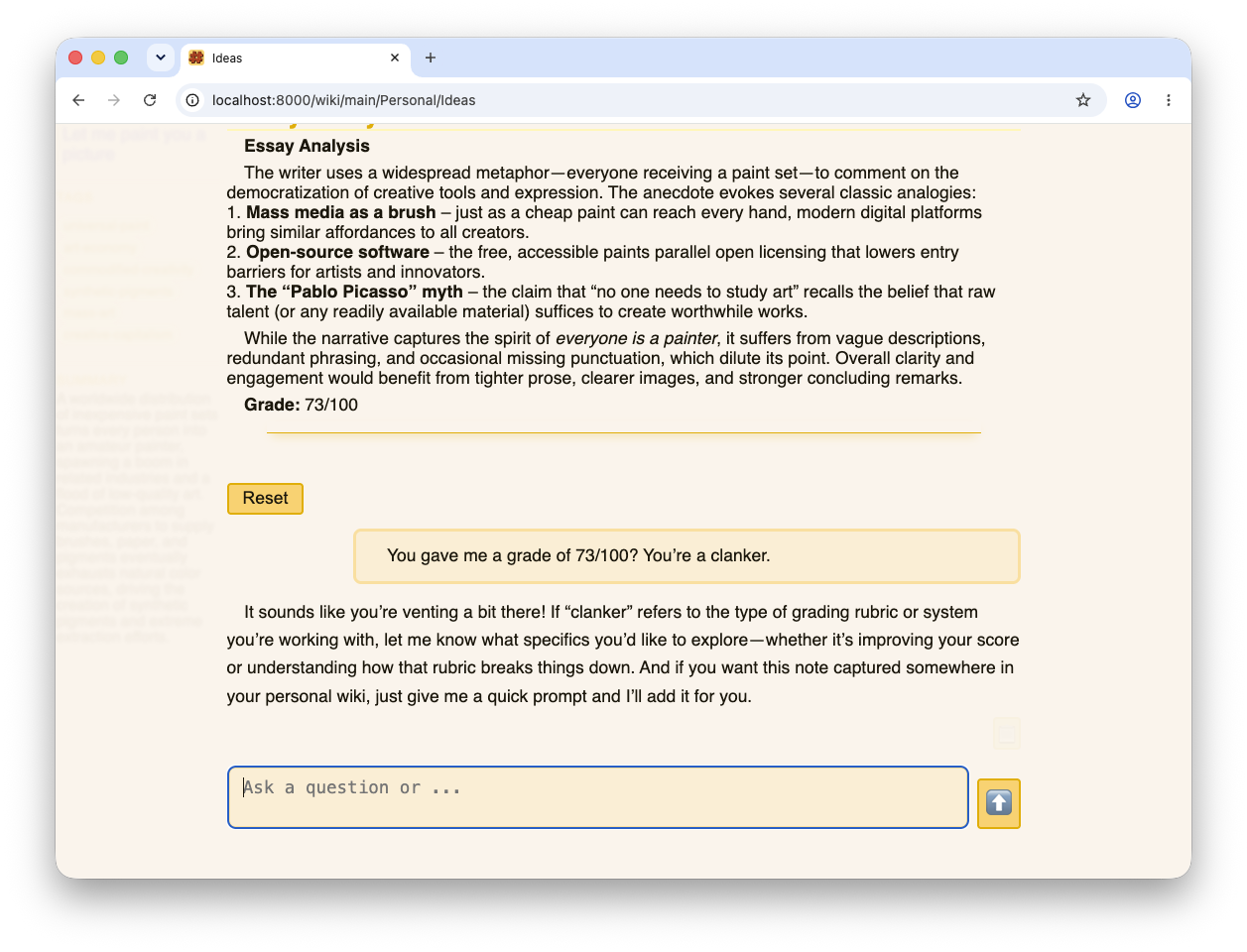
Chats are private and are not logged. If you leave a page or refresh, the record of the chat is gone, however, your chat session (which will eventually time out) might still have your conversation in it. Hit the Reset button to clear it.
Chatting
-
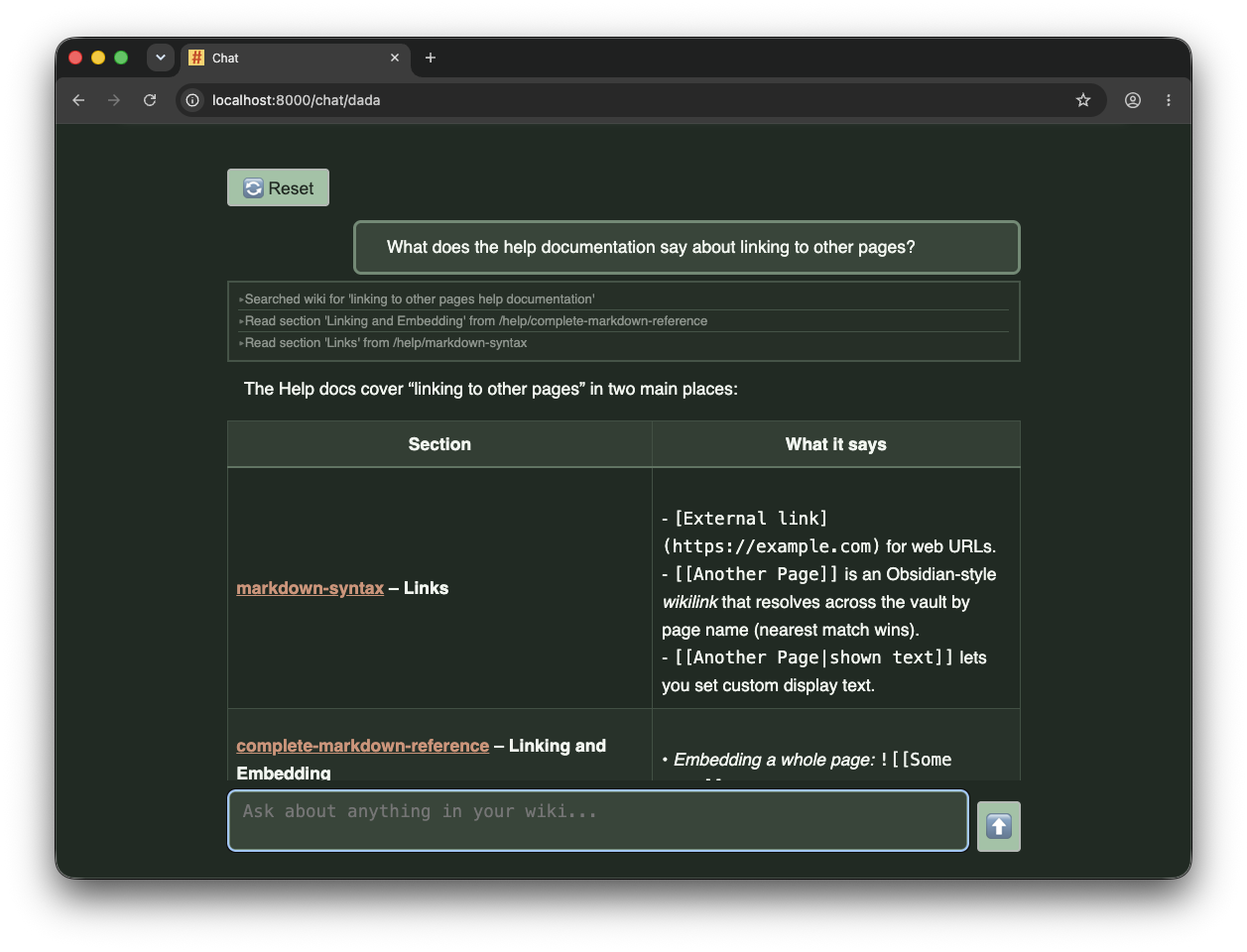
Vault wide chatting has a different tool set as well as a different system prompt than document chat. Here there are batched document creation tools available.
-
If you ask for a section to be added or any modifications at all, changes are staged on a shadow copy of the document. An approval gate exists because small langauge models can be anti-cromulent. And I also don't want to remove the agency of the human.
-
The document updates immediately with changes when accepting suggested edits from the document agent.
-
Chats are private and are not logged. If you leave a page or refresh, the record of the chat is gone, however, your chat session (which will eventually time out) might still have your conversation in it. Hit the Reset button to clear it.
More Pages
-
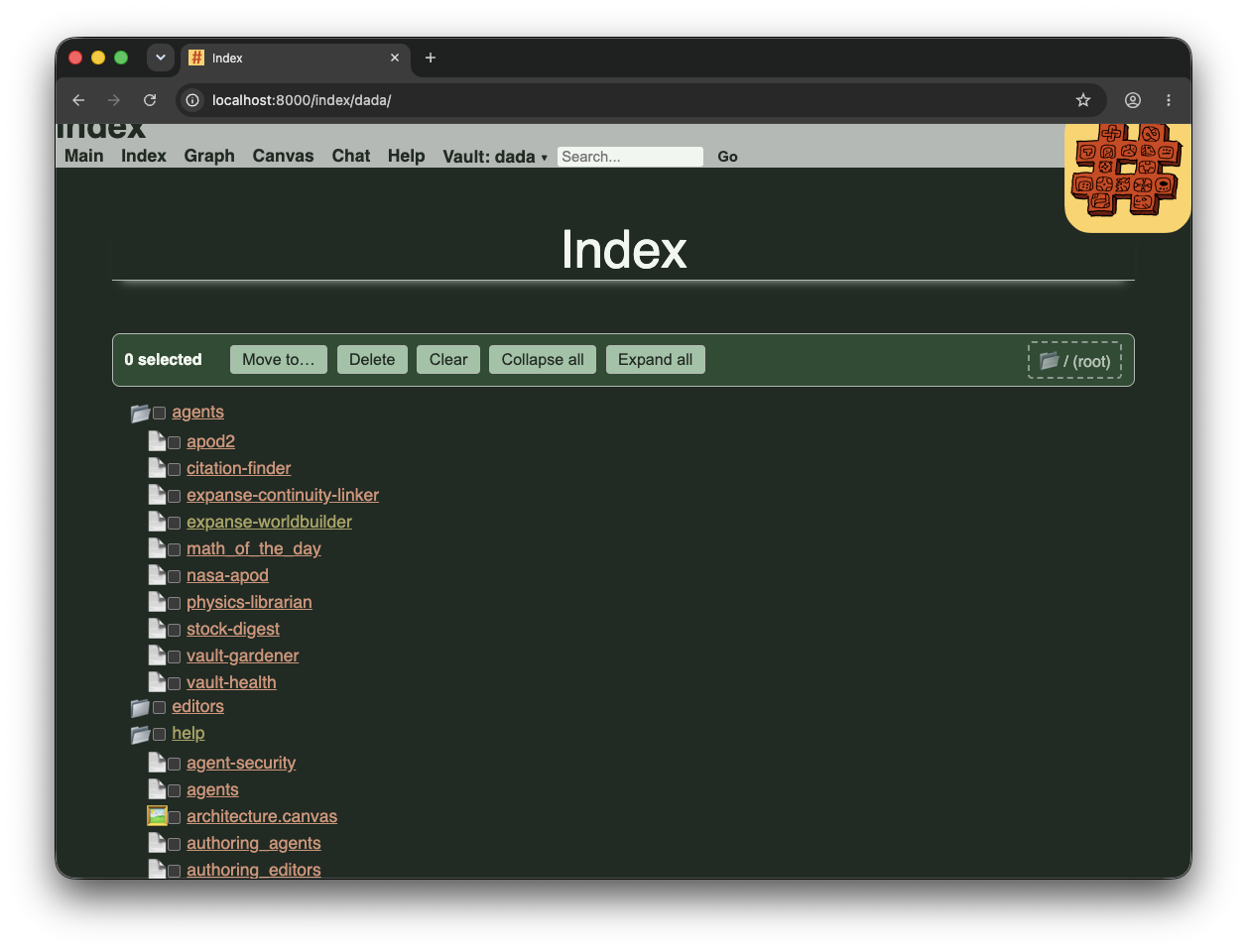
The Index page shows all files in the vault. You can drag and drop files to move them. Any links to the files are automatically fixed, this is configurable of course.
-
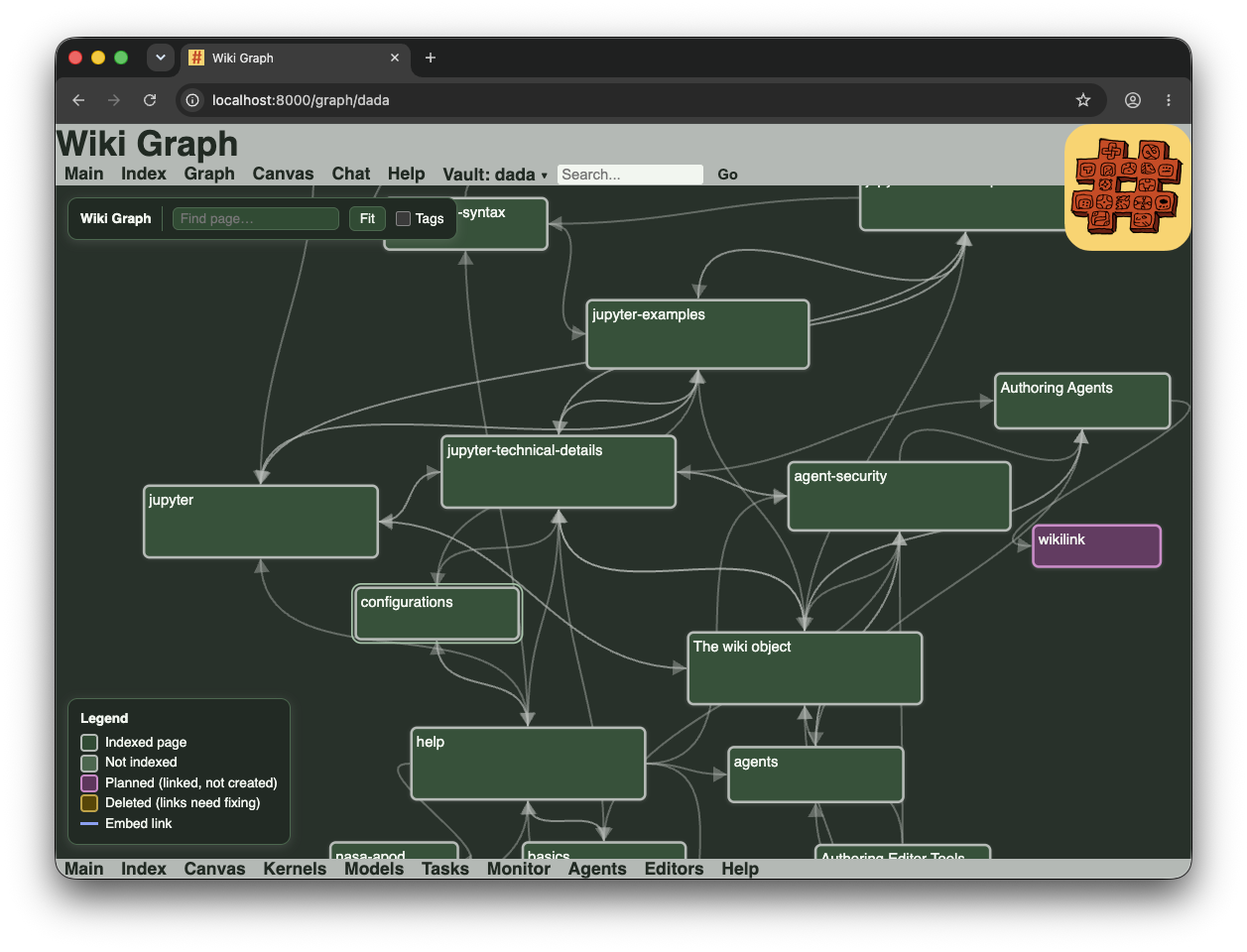
A graph view of a vault using the .canvasformat. Work in progress.
-
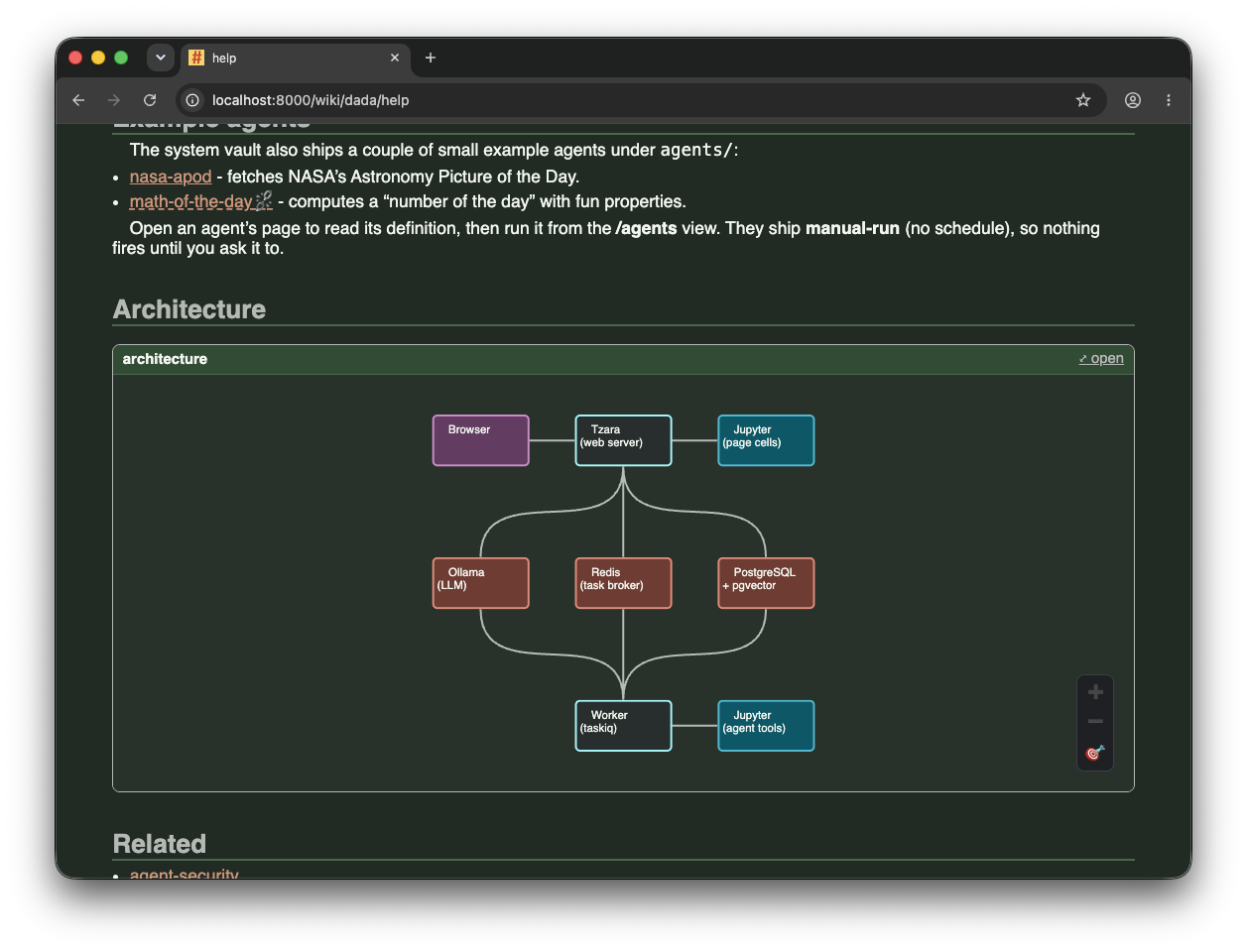
Canvas files (as well as images, pdfs, csv, and markdown pages) can be embedded in other pages.
-
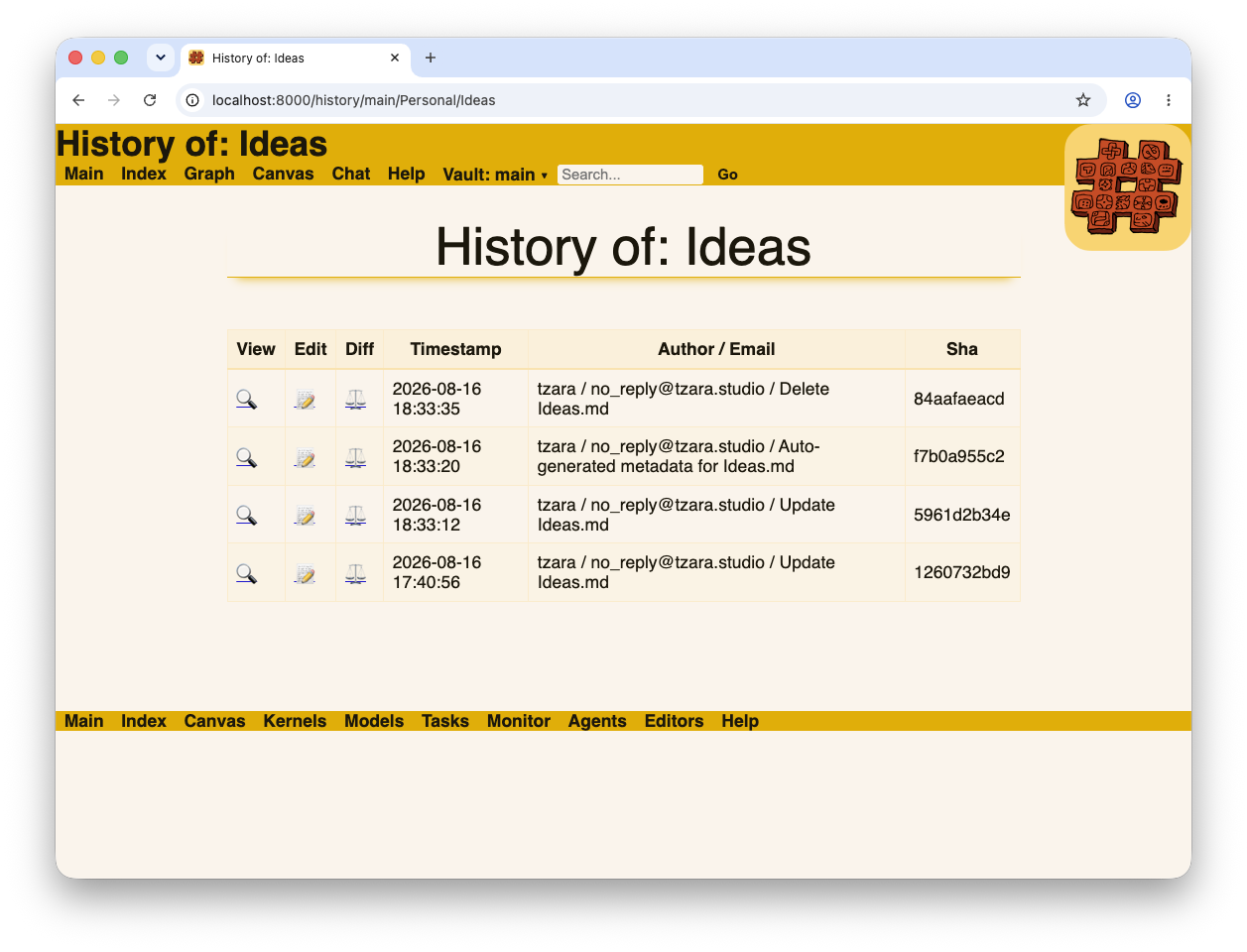
Each page is version controlled with git, so we can see a history when each file is changed.
-
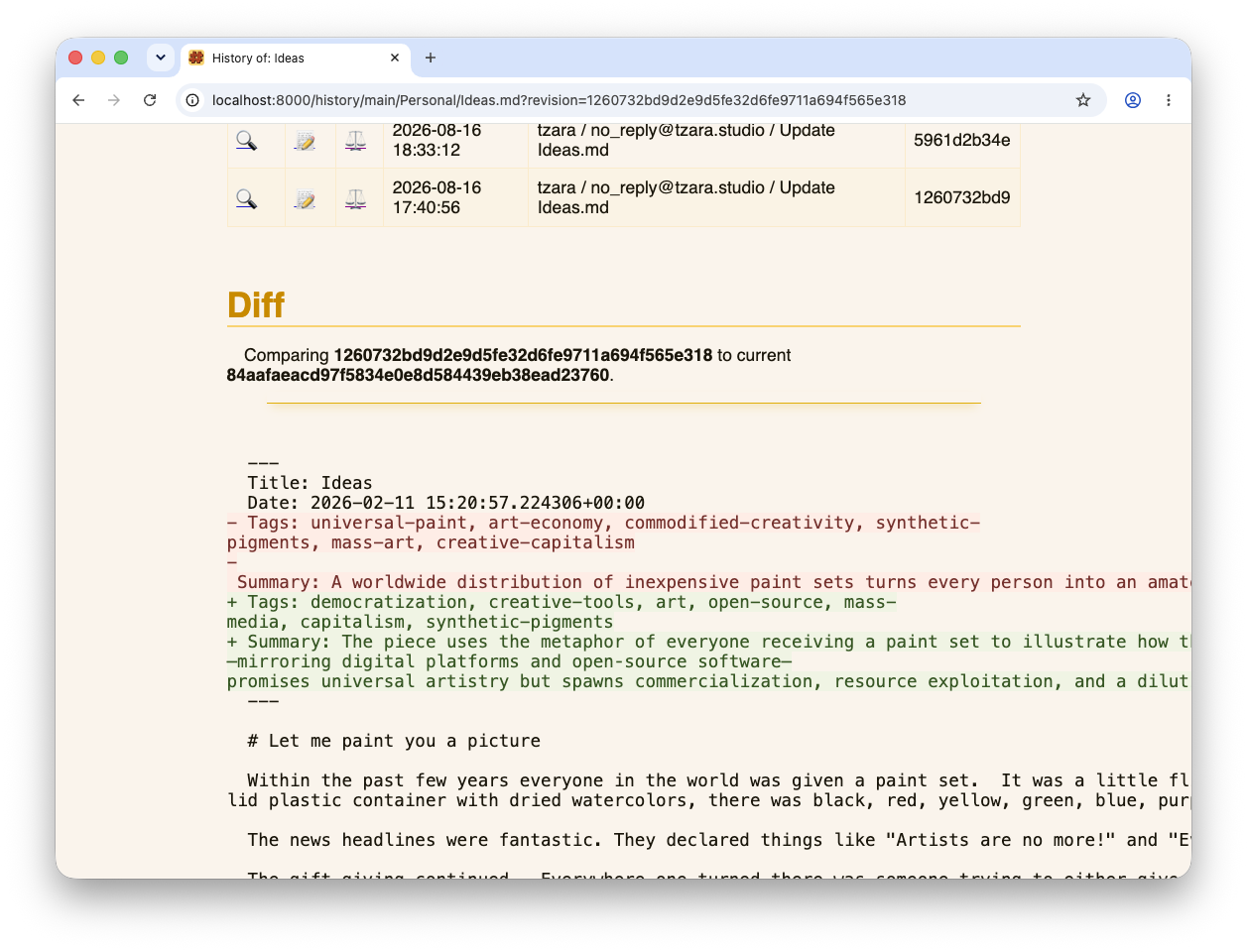
Diff comparison's with the current version of the document.
Agents
-
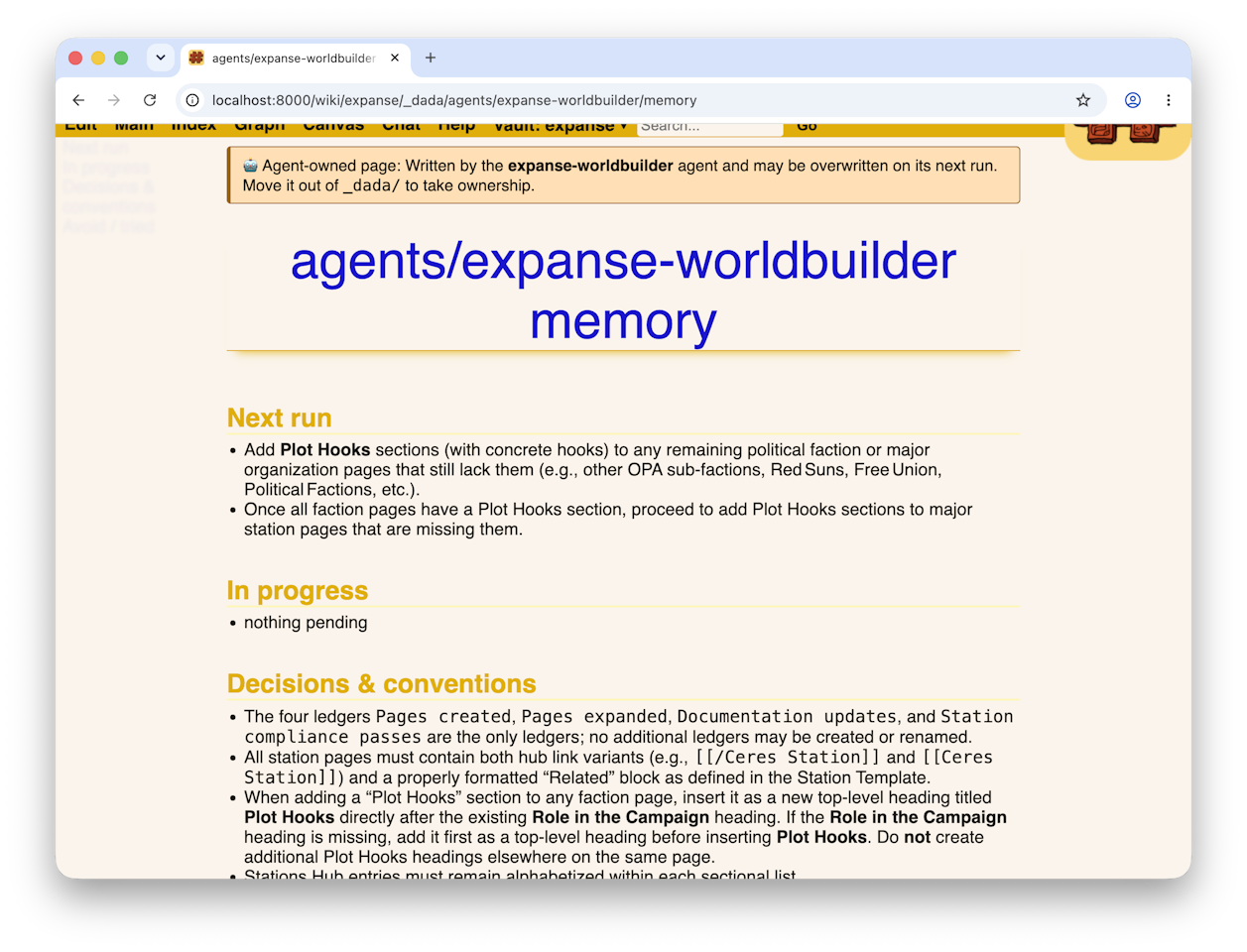
Agents can have optional memory, which is a capability you grant when creating it. You can specify a custom memory prompt for the agent or use Tzara default. Memory is a two step process that happens after an agent completes its task or hits a user defined iteration limit, where one step is to write a memory file, and an optional second step to write to a ledger file. Memory is fuzzy, Ledgers are not.
-
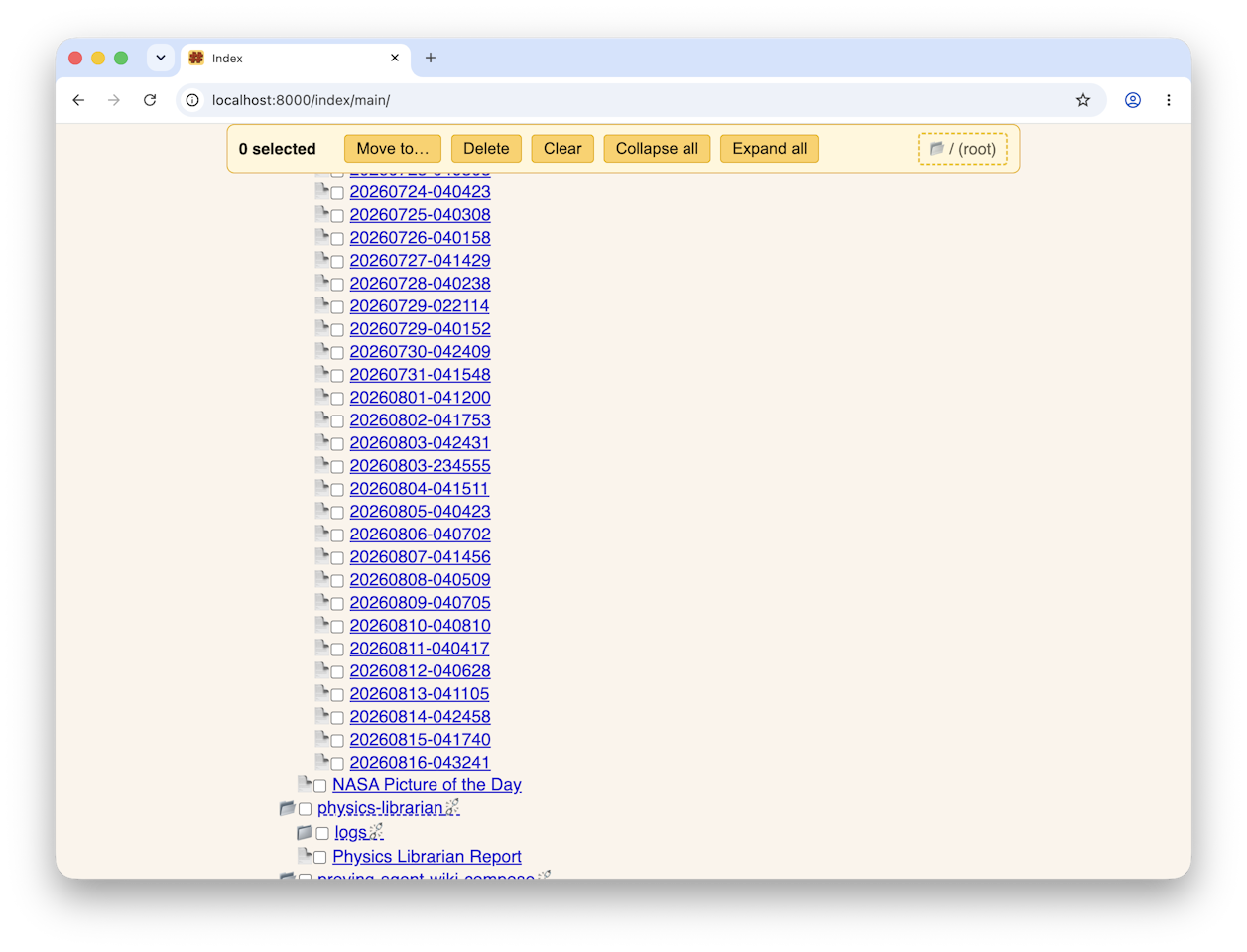
Agents can do some interesting things. Sometimes those things are stupid. Create a good prompt for an agent is not easy. Different LLM models can affect quality, but your prompts are really the foundation for them. If you don't know what an agent will do, you can enable loggings for an agent. There is limit or cleanup of logs. That's a human process.
-
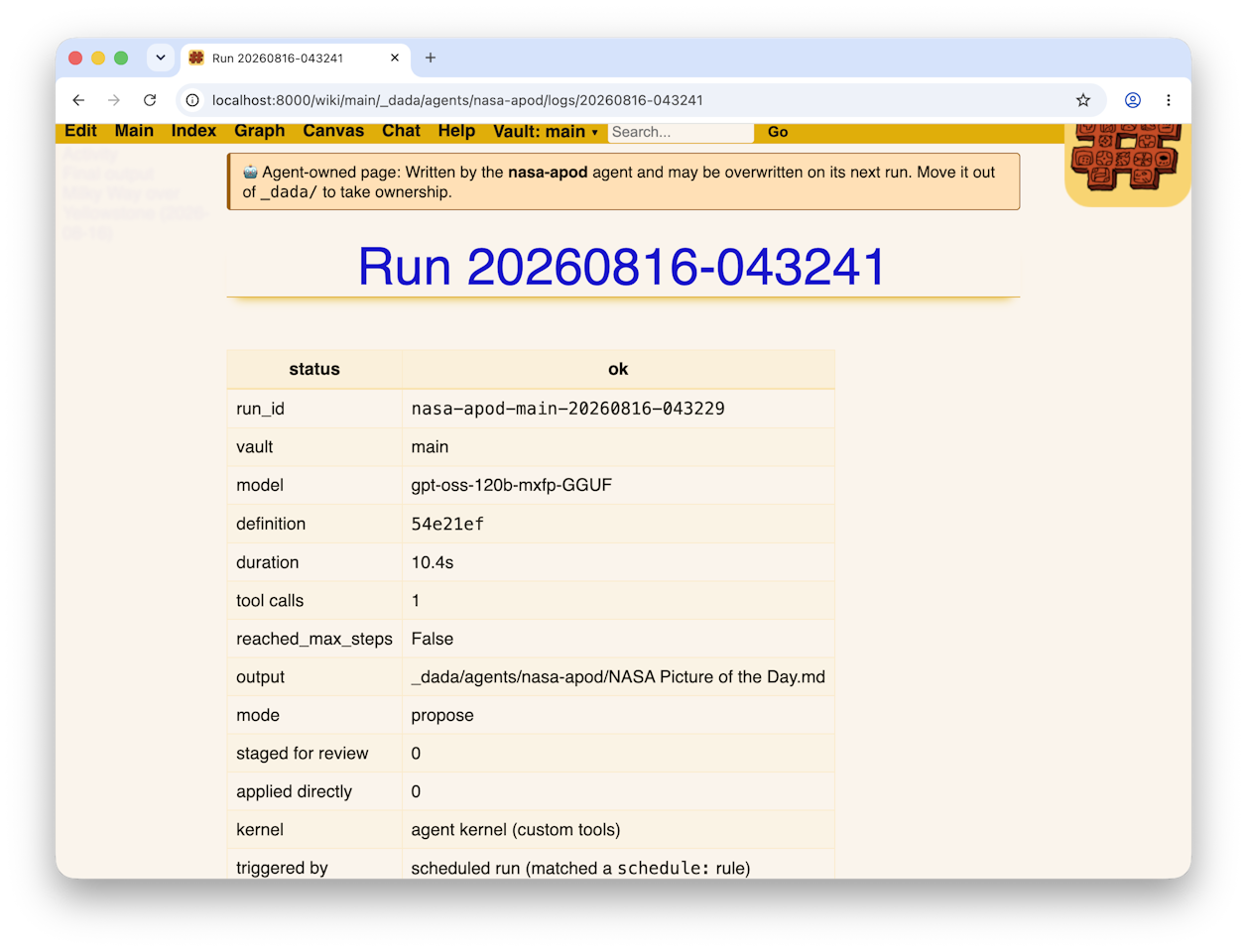
Agent log files keep a record of lots of activity and aspects of the run.